
Command Pattern: Encapsulate Requests as Objects
What It Is
The Command Pattern turns a request into a standalone object. Instead of calling a method directly (like light.TurnOn()), you wrap that call inside a command object (like newLightOnCommand(light)), which can then be passed around and executed later.
How It Works
The pattern decouples the Sender (Invoker) from the Receiver of the request.
- Client creates a command object and associates it with a receiver
- Invoker stores the command
- Command executes the action on the receiver when triggered
Example
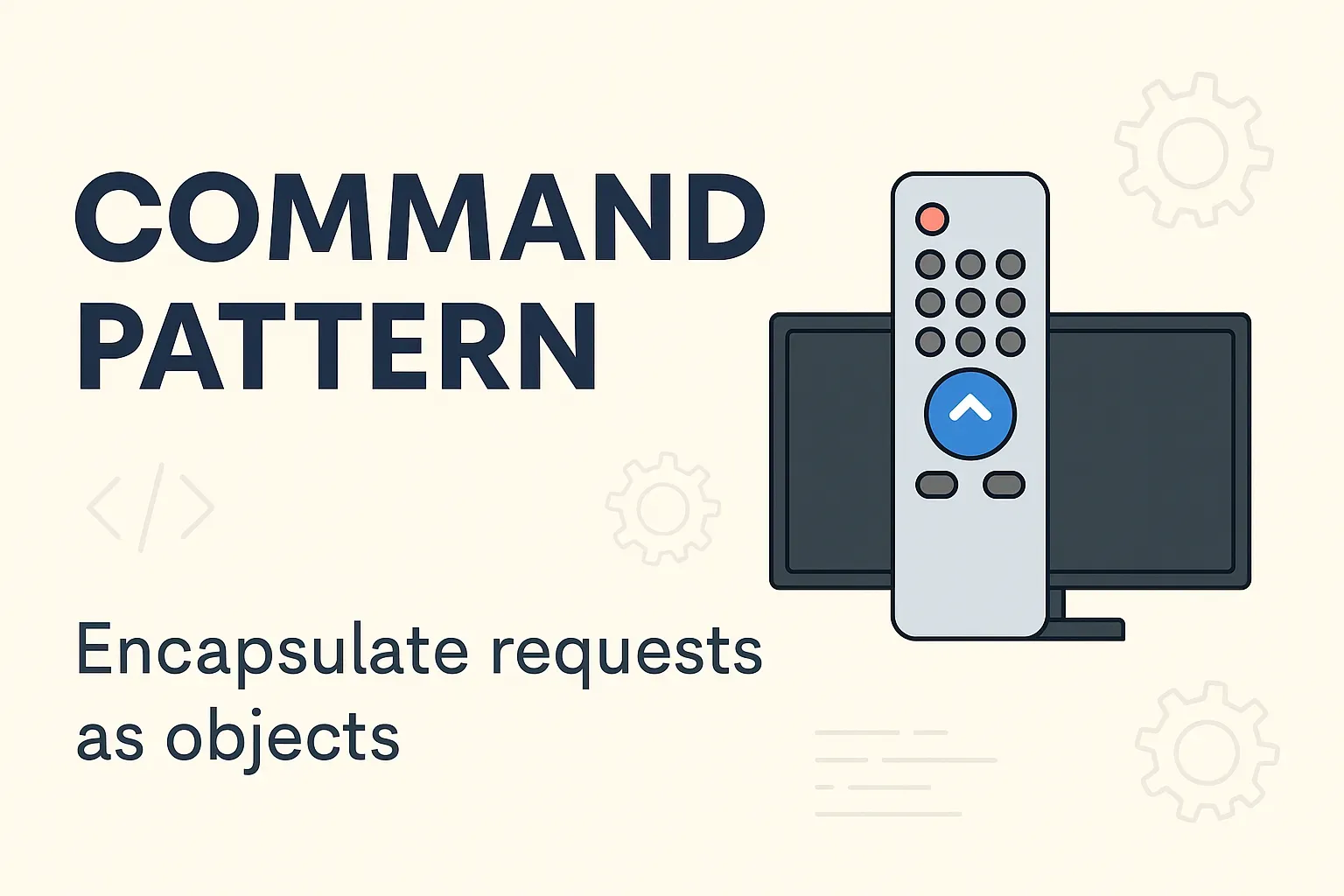
Think of a remote control:
- Each button is associated with a
Command - The TV is the
Receiver - The remote is the
Invoker
This setup allows flexible command handling, like macros or undo/redo actions.
Benefits
- 🔁 Undo/redo operations
- 🧱 Decoupled architecture
- 📝 Action logging and queuing
🧍 UML Diagram
                      classDiagram
                        class Command {
                          +execute()
                        }
                        class ConcreteCommand {
                          +execute()
                        }
                        class Receiver {
                          +action()
                        }
                        class Invoker {
                          +setCommand(cmd)
                          +invoke()
                        }
                        class Client

                        Command <|-- ConcreteCommand
                        ConcreteCommand --> Receiver
                        Client --> Invoker : sets command
                        Invoker --> Command : calls execute
💻 Code Examples
// Command Interface
                      public interface ICommand {
                          void Execute();
                      }

                      // Receiver
                      public class Light {
                          public void TurnOn() => Console.WriteLine("Light is ON");
                      }

                      // Concrete Command
                      public class LightOnCommand : ICommand {
                          private Light _light;
                          public LightOnCommand(Light light) => _light = light;
                          public void Execute() => _light.TurnOn();
                      }

                      // Invoker
                      public class RemoteControl {
                          private ICommand _command;
                          public void SetCommand(ICommand command) => _command = command;
                          public void PressButton() => _command.Execute();
                      }

                      // Client
                      public class Program {
                          public static void Main() {
                              Light light = new();
                              ICommand command = new LightOnCommand(light);
                              RemoteControl remote = new();
                              remote.SetCommand(command);
                              remote.PressButton();
                          }
                      }
# Command Interface
class Command:
def execute(self): pass
# Receiver
class Light:
def turn_on(self):
print("Light is ON")
# Concrete Command
class LightOnCommand(Command):
def __init__(self, light):
self.light = light
def execute(self):
self.light.turn_on()
# Invoker
class RemoteControl:
def set_command(self, command):
self.command = command
def press_button(self):
self.command.execute()
# Client
if __name__ == "__main__":
light = Light()
command = LightOnCommand(light)
remote = RemoteControl()
remote.set_command(command)
remote.press_button()🛠️ Real-World Use Cases (with code)
1. GUI Button Triggering Action
Each GUI button can encapsulate a command object. The UI doesn't care what the command does, just that it can invoke it.
// SaveCommand and ExitCommand would implement ICommand and be assigned to different buttons.
                      button.SetCommand(new SaveCommand(document));
2. Macro Recording
A sequence of commands can be recorded and replayed as macros.
List macro = new();
                      macro.Add(new LightOnCommand(light));
                      macro.Add(new FanOnCommand(fan));
                      foreach (var cmd in macro) cmd.Execute();
3. Undo/Redo Support
Commands can store previous state and implement an Undo method.
public interface ICommand {
                          void Execute();
                          void Undo();
                      }
4. Job Queues or Background Workers
Commands can be queued and processed later (e.g., sending emails, notifications).
Queue queue = new();
                      queue.Enqueue(new SendEmailCommand(emailService));
                      while (queue.Count > 0) queue.Dequeue().Execute();
✅ Pros (with Explanation)
- Decouples sender and receiver: The client doesn’t need to know how the command will be executed.
- Enables queuing and logging: Commands can be stored and executed later.
- Supports undoable operations: Commands can implement undo functionality.
⚠️ Cons (with Explanation)
- Overhead of creating many classes: One for each command, which can grow large in complex systems.
- Can increase complexity: Especially when commands need to maintain state or support undo.
🧠 Best Practices
- Use when actions need to be decoupled from triggers (buttons, jobs).
- Use abstract base classes or interfaces to support undo.
- Group commands into composite commands for macros.
Comments
Loading comments…